Product Key Features
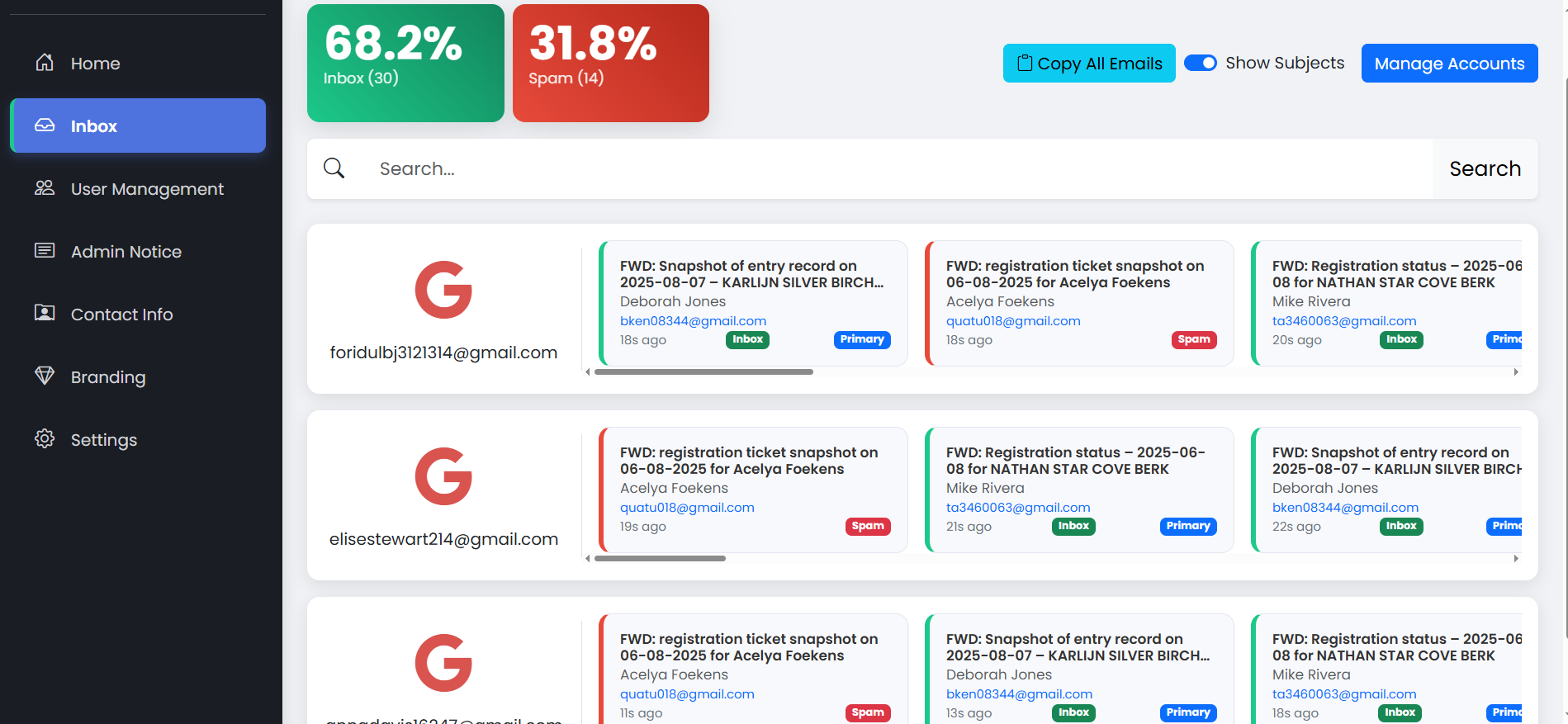
Real-Time Email Inbox Feed
Real-Time Email Feed: See new emails instantly without refreshing, with each account displayed in its own row. Live Statistics: Instantly view the percentage and count of emails in your Inbox versus Spam. Colorful Categories: Emails are automatically tagged with colored labels (e.g., Inbox, Spam, Primary) for quick identification. Powerful Search: A dedicated search bar helps you find any email or sender across all connected accounts. User-Friendly Layout: The clean, modern design and simple navigation menu provide easy access to all features.
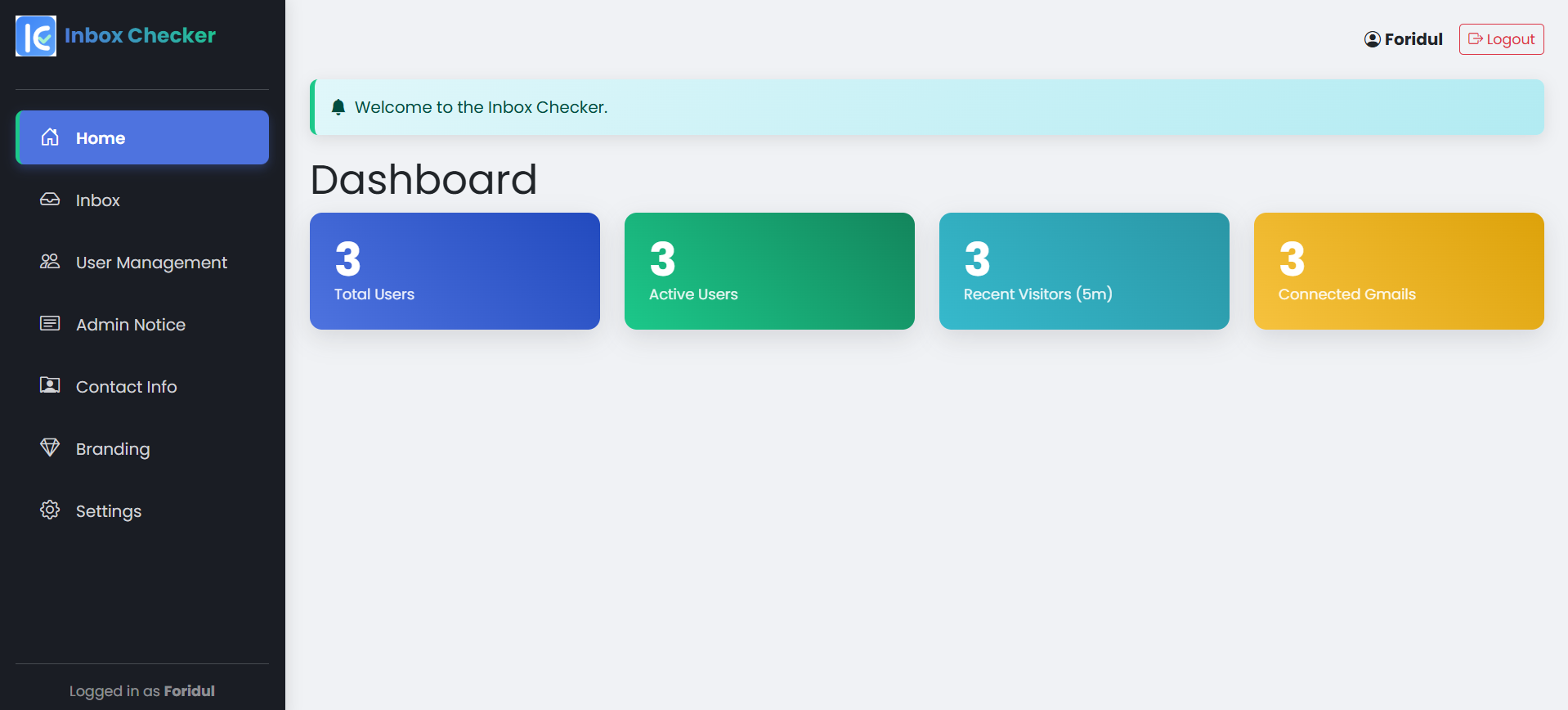
Dashboard
Welcome to the main control center of our Inbox Checker tool! The Admin Dashboard provides a clear overview of your platform's activity with live stats like Total Users, Active Users, and Recent Visitors. It also shows the total number of Connected Gmails for a complete picture of your monitoring setup. The clean design and simple navigation menu allow quick access to all sections, from the live inbox to user management and branding. Everything you need to stay in control is on one screen.
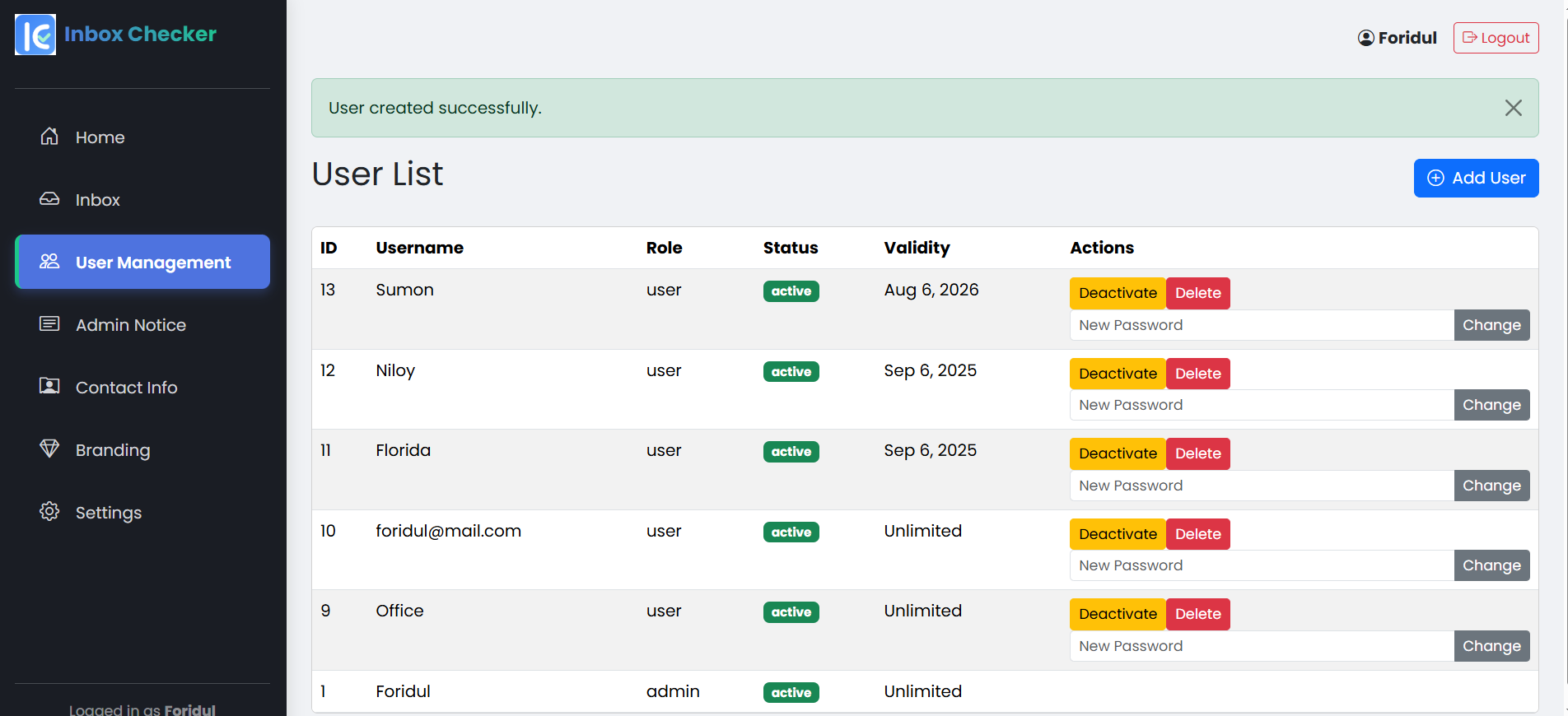
User Management dashboard
User Management dashboard. From this single screen, an admin can easily manage the entire user base, viewing their status and plan validity. Instantly add, deactivate, delete, or change passwords for any user. This robust system gives you secure and complete control, making management simple and hassle-free.
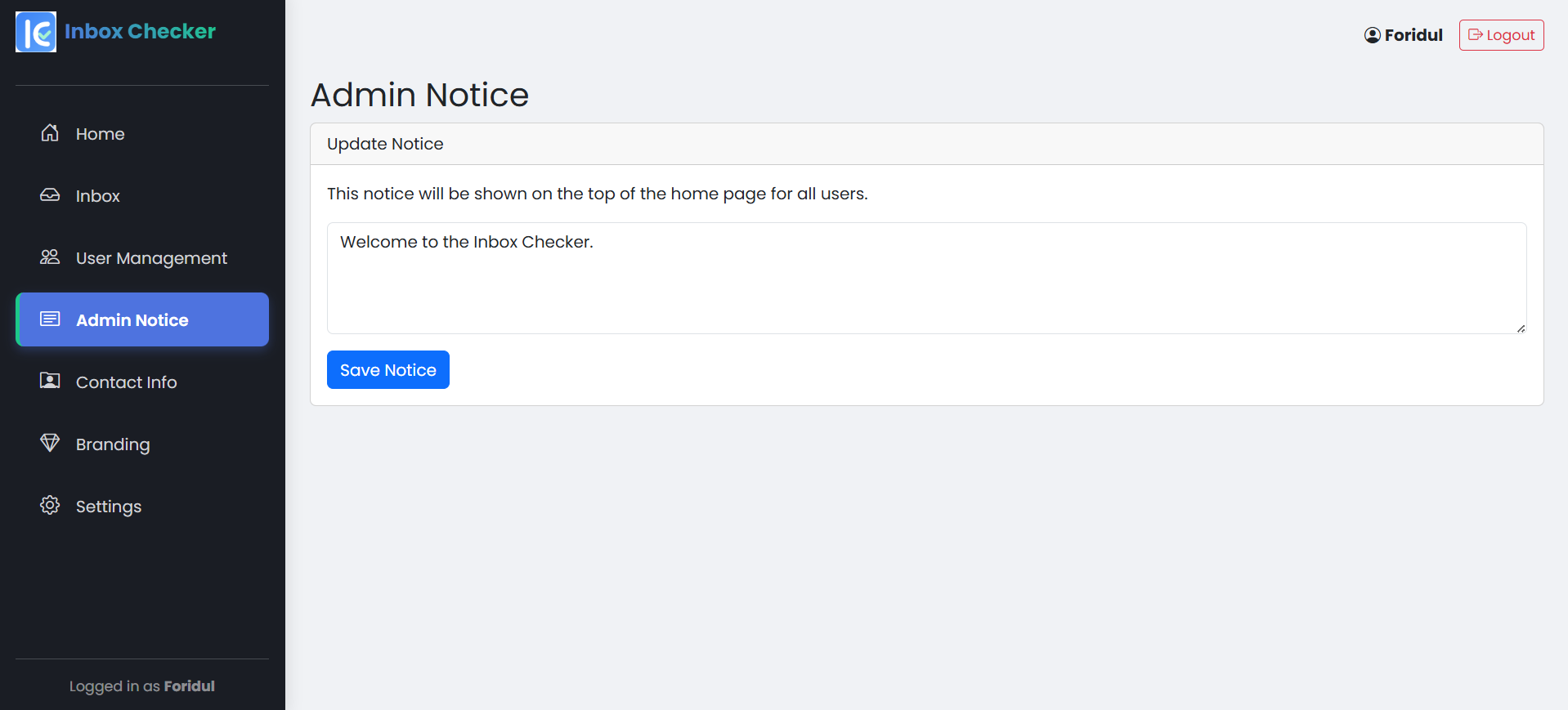
Notice feature
Notice feature. From this panel, the admin can write and publish important announcements directly to the home page for all users to see. It's the perfect tool for sharing updates, news, or any key information with your entire community instantly.
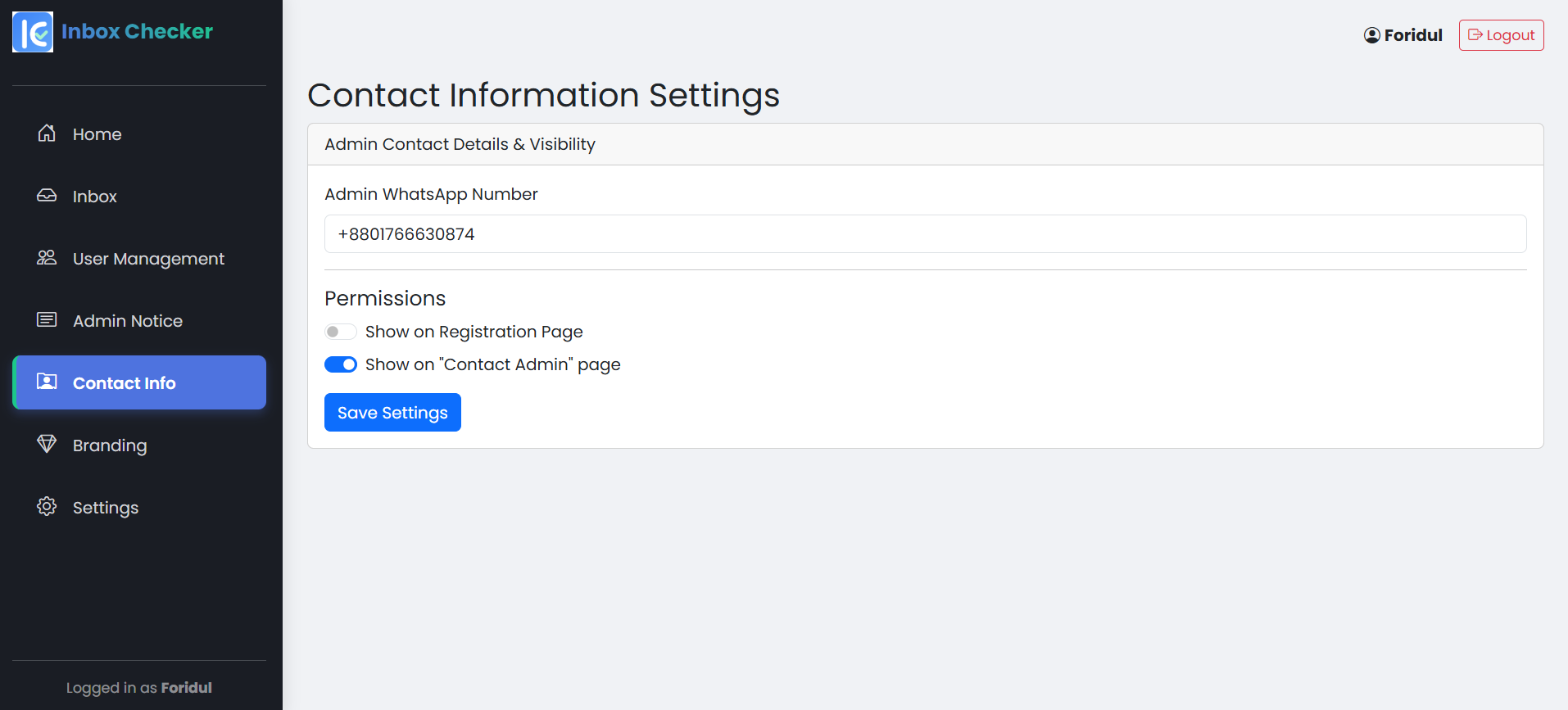
Contact Information Settings
Contact Information Settings. From this page, the admin can set a primary WhatsApp number for support. You also have full control over where this contact information appears, with simple toggles to show or hide it on the public registration page or the private 'Contact Admin' page for logged-in users. It’s a simple and effective way to control your support channels.
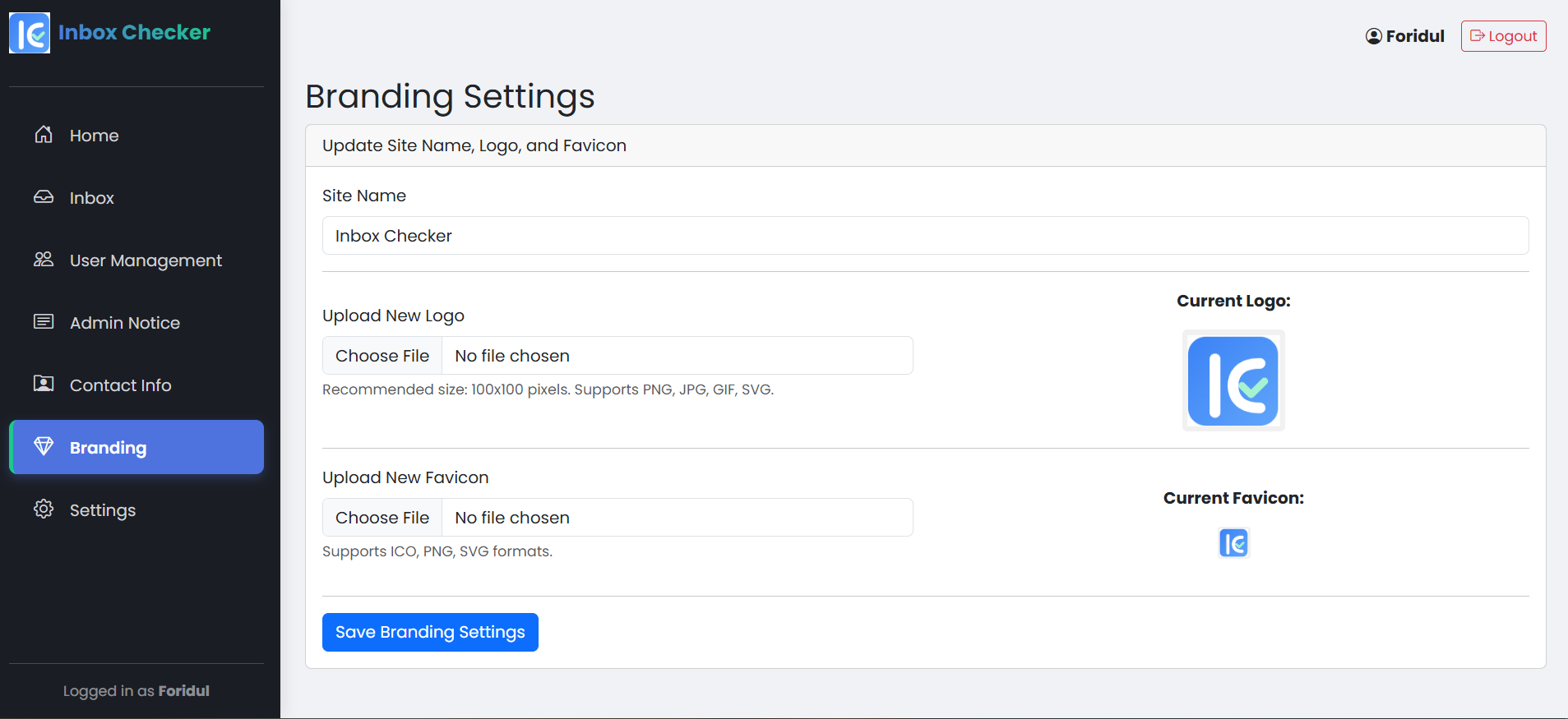
Branding Settings
Branding Settings. This powerful feature allows the admin to completely customize the look and feel of the platform. You can update the Site Name, upload a custom Logo, and even change the browser Favicon to match your company's brand identity perfectly. It's a simple way to provide a professional and personalized experience for all your users.
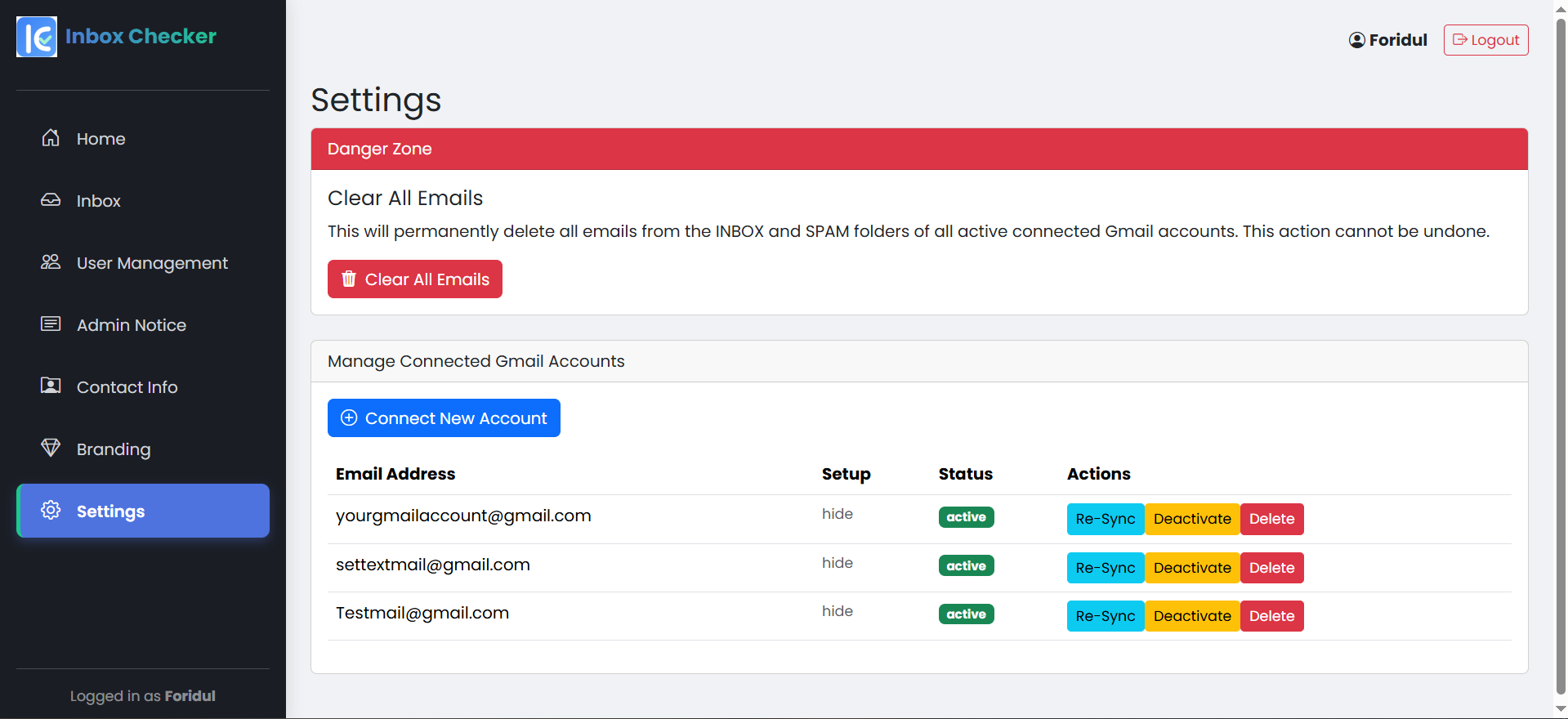
Settings
Settings page gives the admin complete power to manage all connected Gmail accounts and critical system functions. Manage Connections: Easily view all connected Gmail accounts, check their status, and perform quick actions like Re-Sync, Deactivate, or Delete. Add New Accounts: The "Connect New Account" button allows you to securely add more Gmail accounts to the monitoring system anytime. Danger Zone: For maintenance, the "Clear All Emails" option provides a powerful way to permanently delete all emails from the inbox and spam folders of every active account.
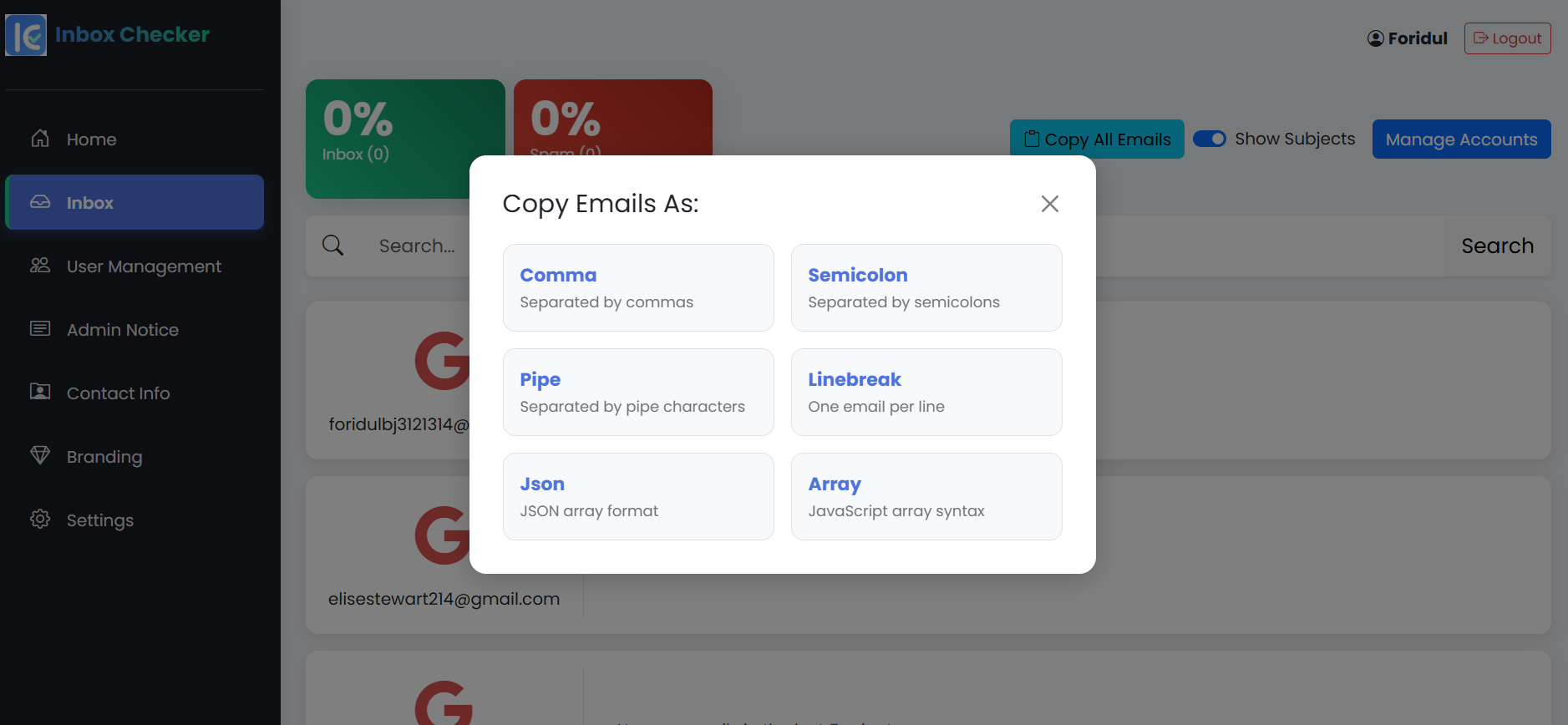
Advanced Copy Feature
Our Advanced Copy Feature makes it easy to export your connected email lists for marketing or data management. With a single click, a pop-up menu appears, allowing you to copy all email addresses in various convenient formats. Choose from comma, semicolon, pipe, or linebreak separated lists, or even developer-friendly formats like JSON and JavaScript Array. It's a simple, powerful way to use your data.
Choose Your Plan
Monthly
3
- Instant Email Alerts: Get new email alerts instantly.
- Unlimited Accounts: Connect and use as many Gmail accounts as you want.
- User Control: Easily add, approve, or remove users.
- Live Dashboard: See live emails from all accounts on one screen.
- Very Secure: Safe and secure login for admins and users.
- Your Own Branding: Use your own name, logo, and icon for the site.
- Easy Email Copy: Copy all email addresses in many different styles.
- Flexible Plans: Buy for a lifetime or choose a monthly/yearly plan.
Yearly
15
- Instant Email Alerts: Get new email alerts instantly.
- Unlimited Accounts: Connect and use as many Gmail accounts as you want.
- User Control: Easily add, approve, or remove users.
- Live Dashboard: See live emails from all accounts on one screen.
- Very Secure: Safe and secure login for admins and users.
- Your Own Branding: Use your own name, logo, and icon for the site.
- Easy Email Copy: Copy all email addresses in many different styles.
- Flexible Plans: Buy for a lifetime or choose a monthly/yearly plan.
Lifetime
200
- Instant Email Alerts: Get new email alerts instantly.
- Unlimited Accounts: Connect and use as many Gmail accounts as you want.
- User Control: Easily add, approve, or remove users.
- Live Dashboard: See live emails from all accounts on one screen.
- Very Secure: Safe and secure login for admins and users.
- Your Own Branding: Use your own name, logo, and icon for the site.
- Easy Email Copy: Copy all email addresses in many different styles.
- Flexible Plans: Buy for a lifetime or choose a monthly/yearly plan.
You Might Also Like
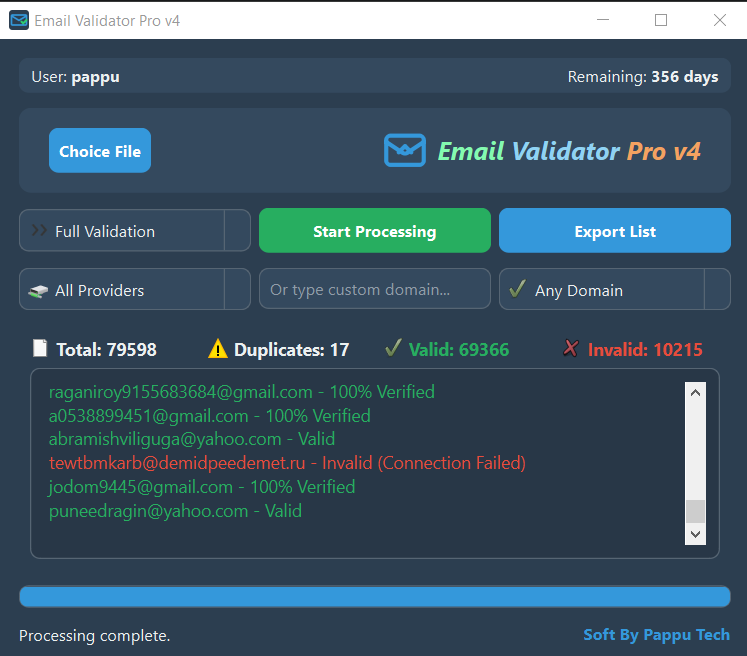
Email Validator Pro
Clean your email lists by verifying email addresses in real-time to reduce bounce rates.
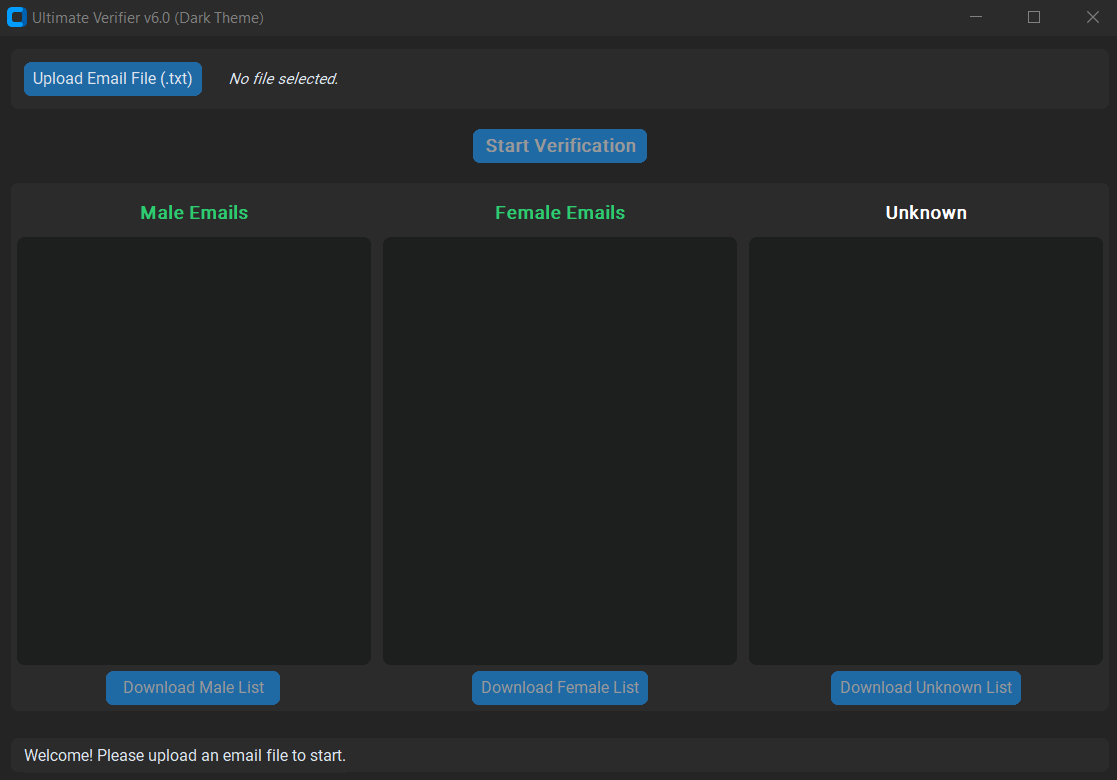
Email Gender Verifier
Verify the gender associated with an email address to personalize your marketing campaigns.
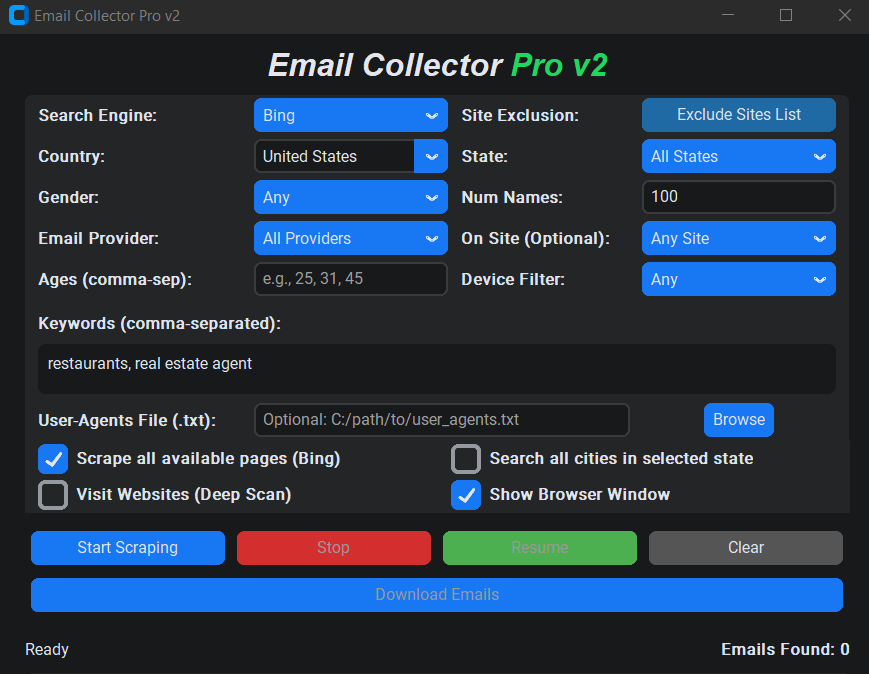
PT Email Collector Pro
Extract email addresses from websites, search engines, and local files to build your mailing lists.
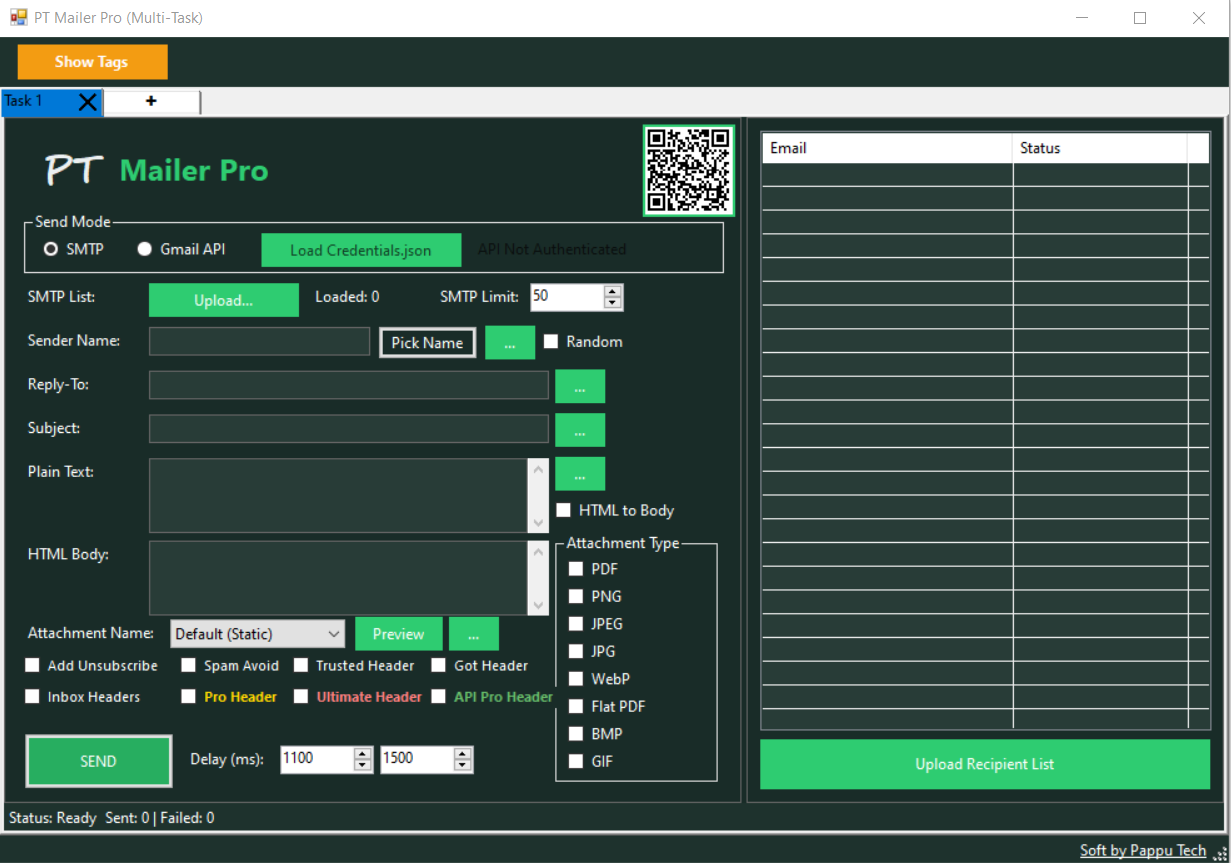
PT Mailer Pro
A professional bulk email sender software to manage your email marketing campaigns effectively.
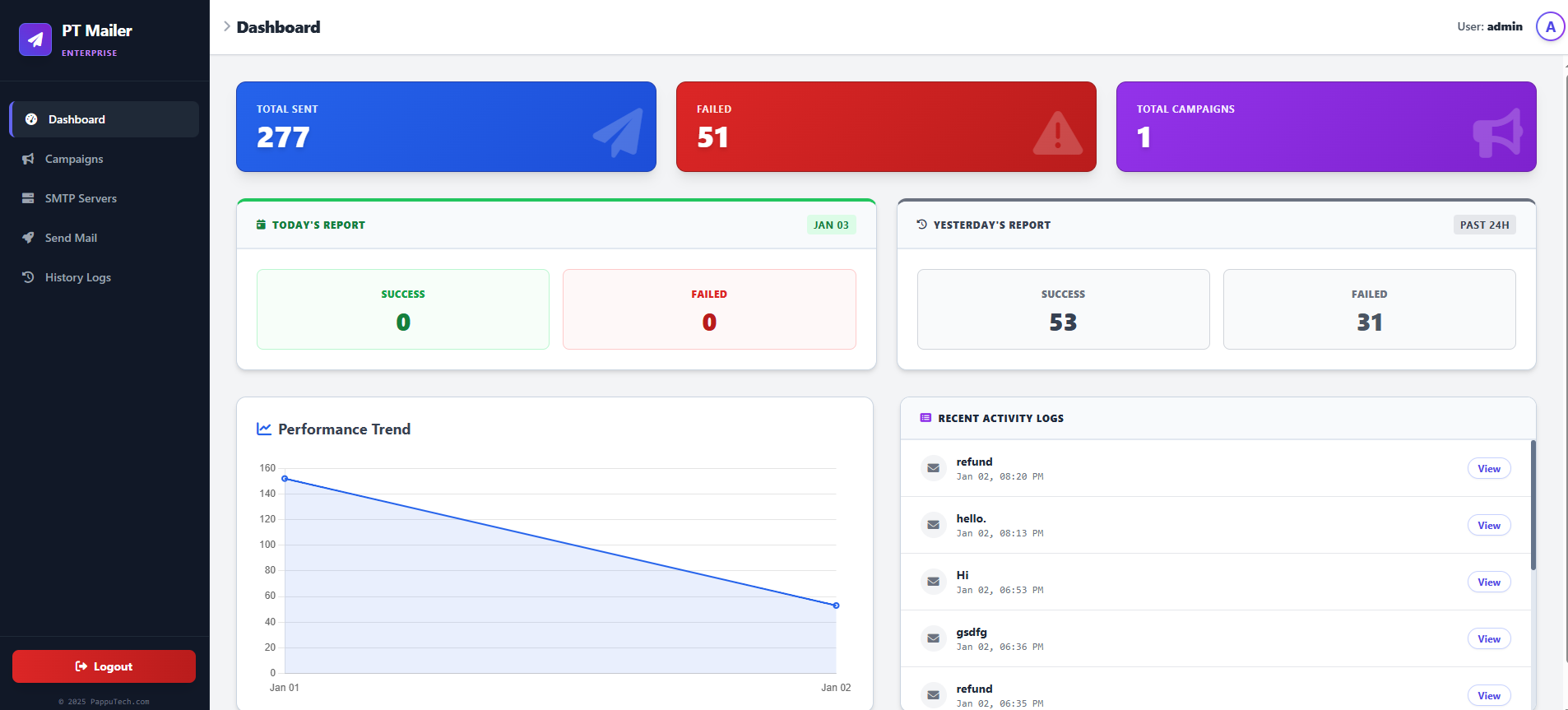
PT Mailer Pro Web Version - Email Marketing Tool.
PT Mailer Pro is a powerful, self-hosted PHP email marketing application designed for high-volume sending. Unlike traditional mailers, it features an intelligent Background Sending Engine, Multi-SMTP Rotation, and a unique Dynamic Sender Name Generator (Male/Female/Mix) to maximize inbox delivery. Say goodbye to monthly fees and take full control of your email campaigns with real-time analytics and advanced list management.